
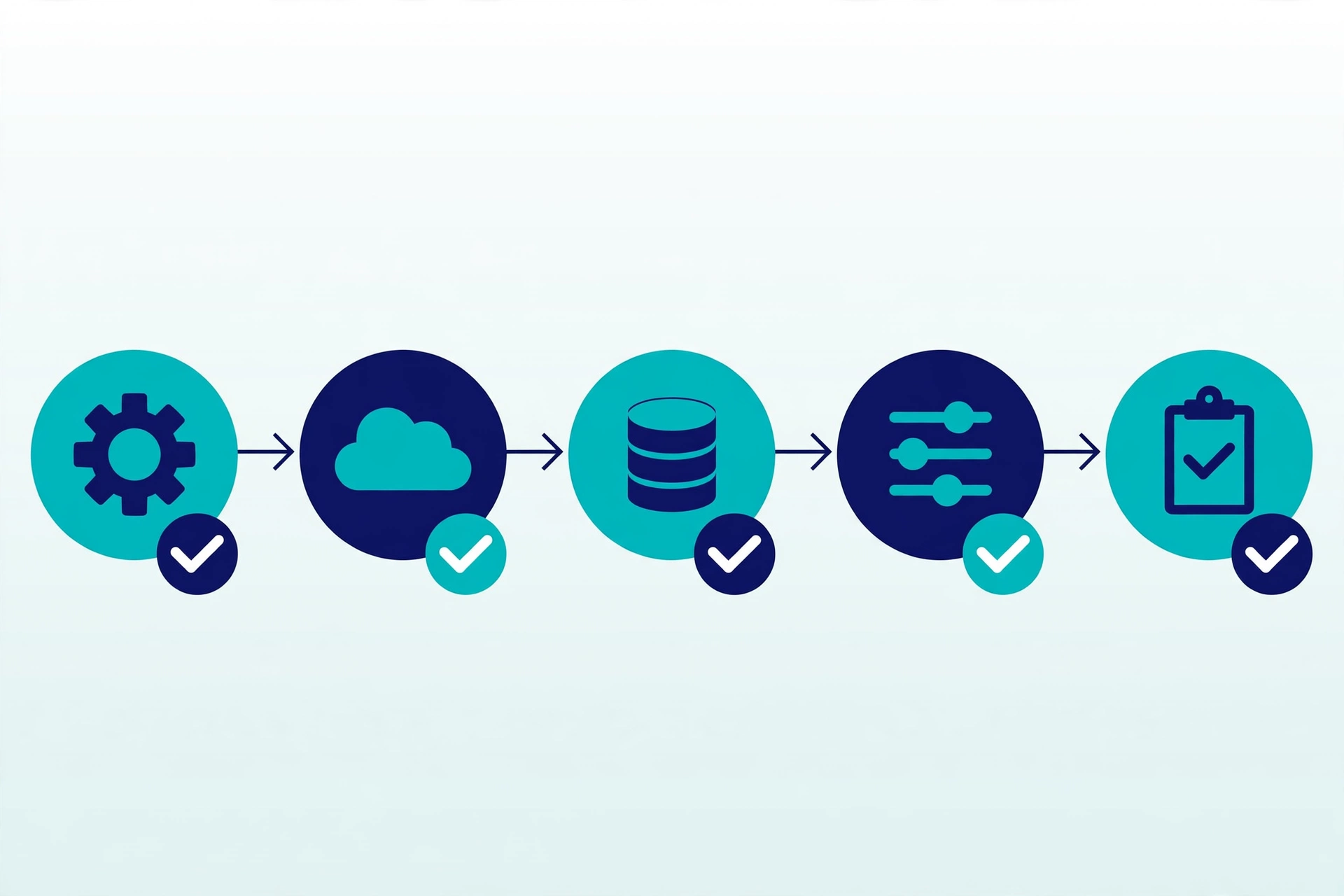
Deluge is the scripting language used for custom workflows in Zoho. In plain language, Deluge workflows are short sets of instructions: when something happens, do these steps, in this order, and check the result. Used carefully, they can take over small, repeatable jobs that are easy to get wrong by hand.
Key Takeaways
- A Deluge workflow follows a clear trigger, steps, and checks.
- Start with one small, repeatable job, not a complex process.
- Use simple checks so missing or incorrect data is caught early.
- Test with sample records before using a workflow on live data.
- Keep a short note of what each workflow does and why.
What a Deluge Workflow Does
Think of a workflow as a recipe. A trigger starts it, such as a record being created or a stage changing. The workflow then follows its steps, for example updating a field, creating a task, or sending a short notification. Because the steps are the same every time, the result is more consistent than relying on memory alone.
Small, Safe Examples
Good first examples are narrow and reversible: set a standard value when a stage changes, flag a record that is missing a key detail, or create a follow-up task with a clear owner and due date. Each of these replaces a manual check that is easy to forget, without changing a whole process at once.
Test Before Expanding
Before a workflow touches live records, test it with samples that cover the usual case and a few edge cases, such as a blank field or an unexpected stage. Check who can trigger it, what it changes, and what happens if a step fails. Only expand it once the results are predictable and easy to explain to the team.
Keep Reading
Keep reading: 5 Simple Ways to Start Automating Repetitive Work in Zoho CRM and Zoho One, Connected: How to Stop Juggling Separate Business Tools. You can also return to the Blog page for more automation tips and insights.